PDF Expert 2.2 for Mac for $29
March 18, 2017 / by Marco / Categories : Business, deals, design, entrepreneur, website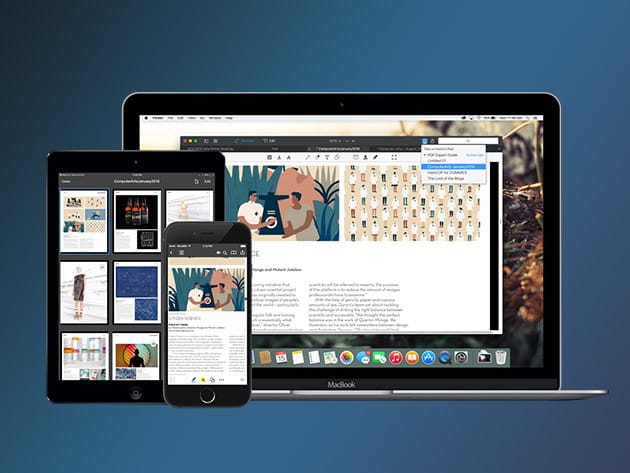

KEY FEATURES
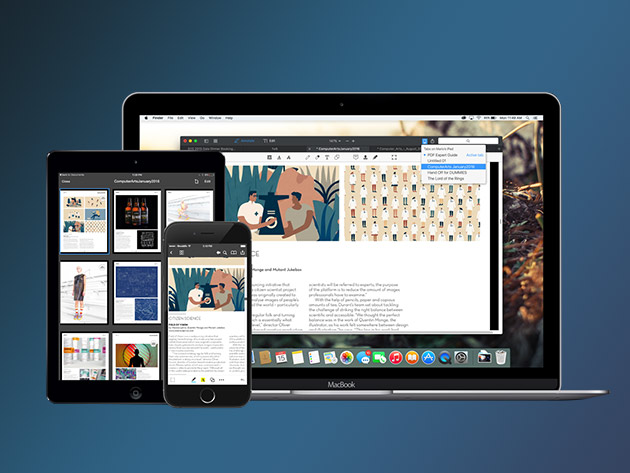
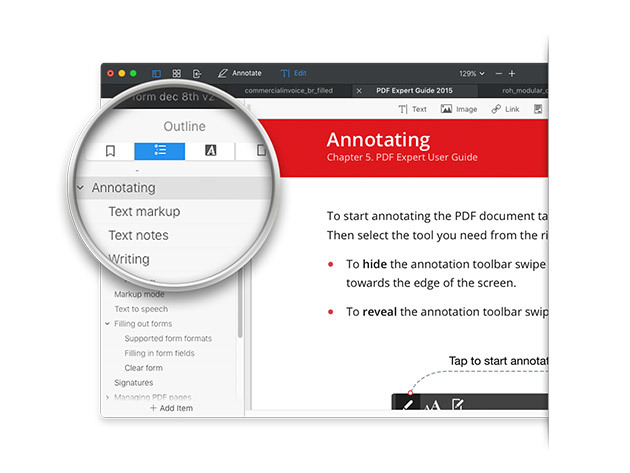
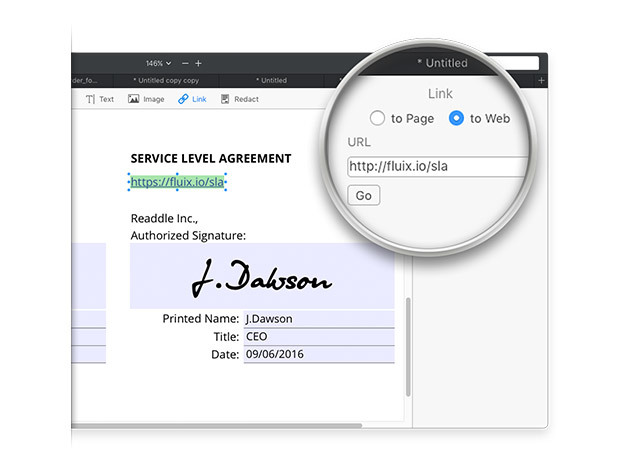
PDFs remain the best way to transmit documents, but editing them isn’t possible with standard Mac software. PDF Expert changes that, allowing you to edit PDF text, images, links, and outlines quickly and easily. Typo in a contract? Easy fix. Need to rework a complete section of a document? No problem. PDF Expert provides a series of essential functions that will transform the way you work with documents on your Mac.
Apple Editors’ Choice
2015 App of the Year Runner Up in Mac App Store
Top Paid App in Mac App Store
“PDF Expert is the lightweight, powerful viewer your Mac needs,” Cult of Mac
- Edit text, images, links & outlines in PDFs
- Read huge PDF files smoothly & fast
- Annotate PDFs extensively w/ numerous tools
- Merge PDFs & sign documents seamlessly
- Fill out PDF forms like taxes, applications, orders, & more
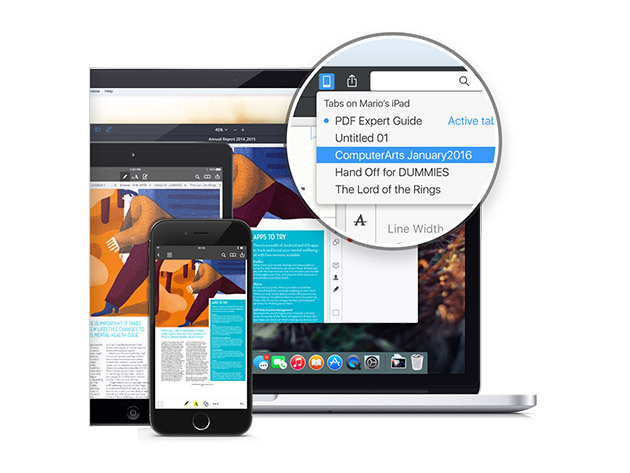
- Share your PDFs across iPhone, iPad, & Mac, or w/ clients, coworkers, or anyone else remotely
- Password protect sensitive documents
PRODUCT SPECS
Details & Requirements
- Version 2.2
- Updates included
- Languages: English, Portuguese, Italian, Chinese, Japanese, Ukrainian, German, Spanish, French, and Russian
Compatibility
- Mac OS X 10.10 or later
SOFTWARE LICENSE DETAILS
- Redemption deadline: Must be redeemed within 30 days

Marco / admin / 30 Nov
Writing day to day ramblings about making money, business, technology, sharing awesome deals and everything else that I know I'll forget. Follow my personal blog https://marcotran.com.au
I've recently also turned Vegan and started this website Veggie Meals - check it out
"When technology speaks for itself, that is art" - MT
Affiliate Compensated: there are some articles with links to products or services that I may receive a commission.
OTHER ARTICLES YOU MAY LIKE
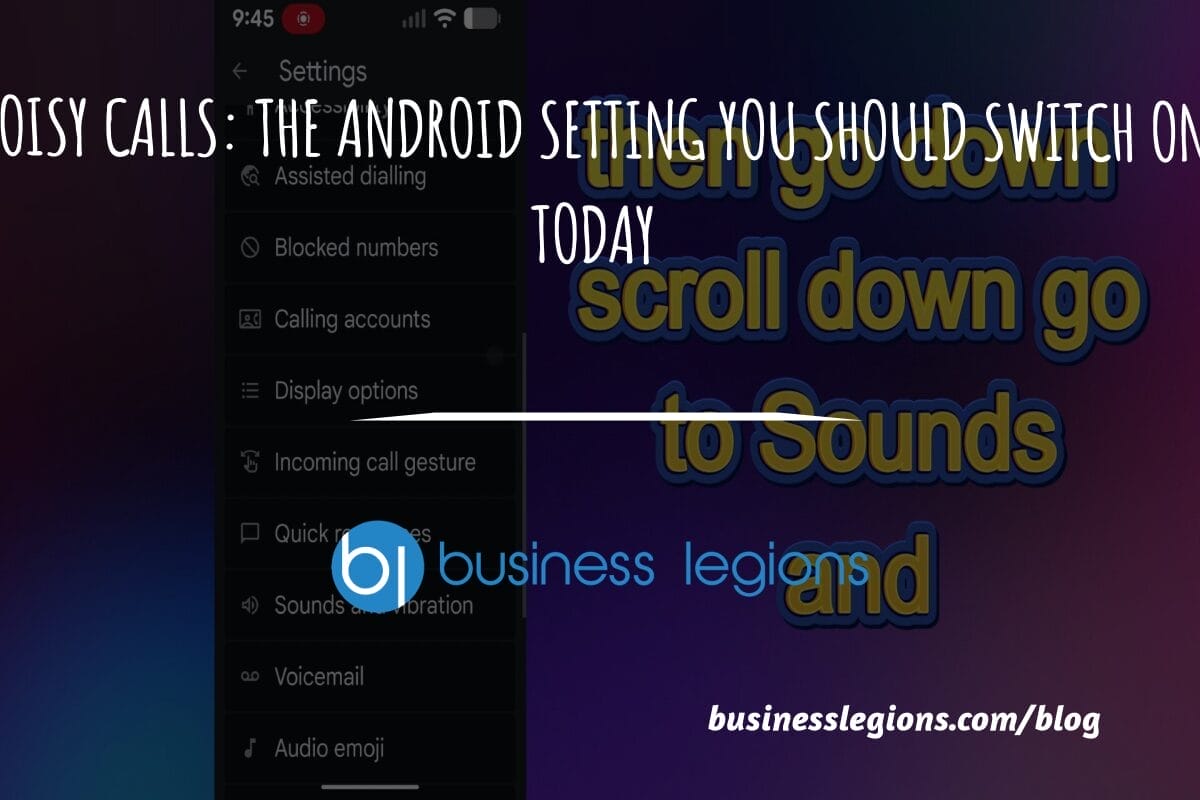
STOP NOISY CALLS: THE ANDROID SETTING YOU SHOULD SWITCH ON TODAY
Phone calls still matter. Whether you’re speaking to a client, checking in with family, or handling something urgent on the move, clarity can make or break the conversation. If you’ve ever found yourself apologising for the construction noise behind you, the wind across your microphone, or the café chatter muddling your words, there’s an Android […]
read more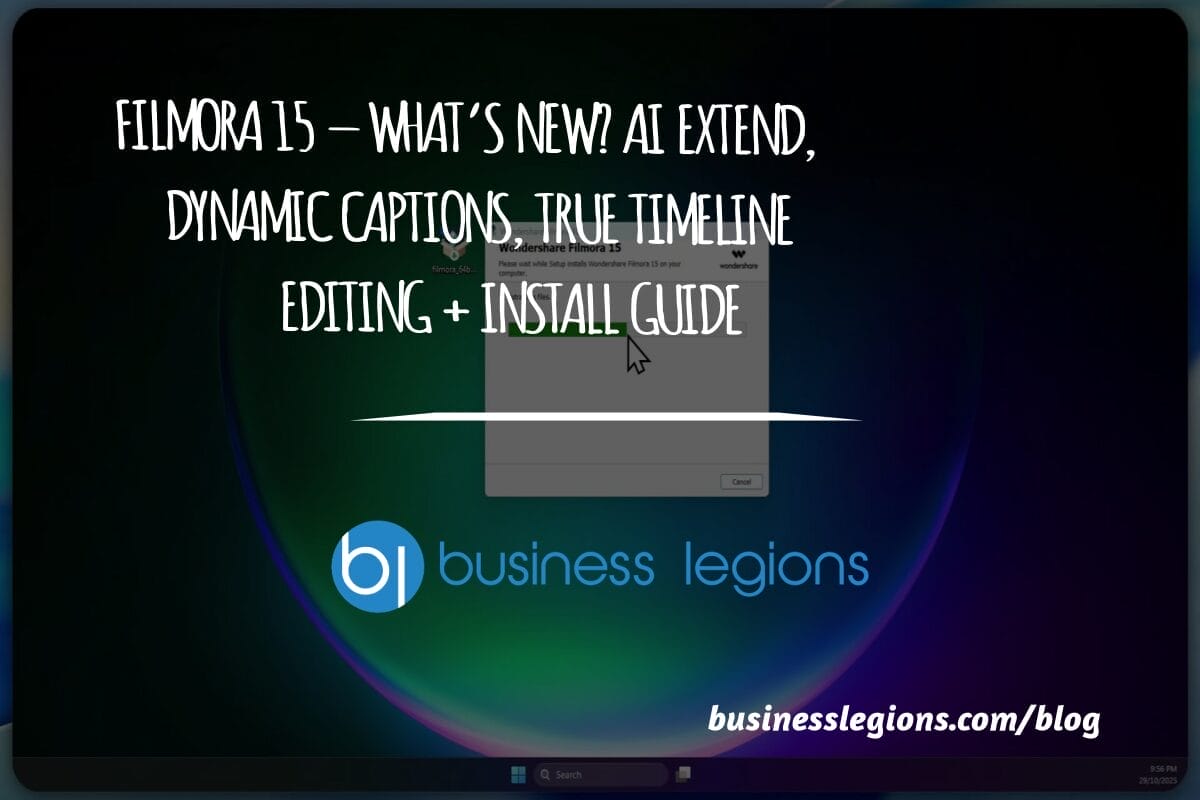
FILMORA 15 – WHAT’S NEW? AI EXTEND, DYNAMIC CAPTIONS, TRUE TIMELINE EDITING + INSTALL GUIDE
There is a particular thrill to installing a major new release of your everyday editor, especially when your workflow is comfortable and productive in the current version. That feeling is right at the heart of the move from Filmora 14 to Filmora 15. This upgrade promises fresh creative features, faster handling of complex projects, and […]
read more